Can Claude Humanize Text? Honest Answer + Full Guide
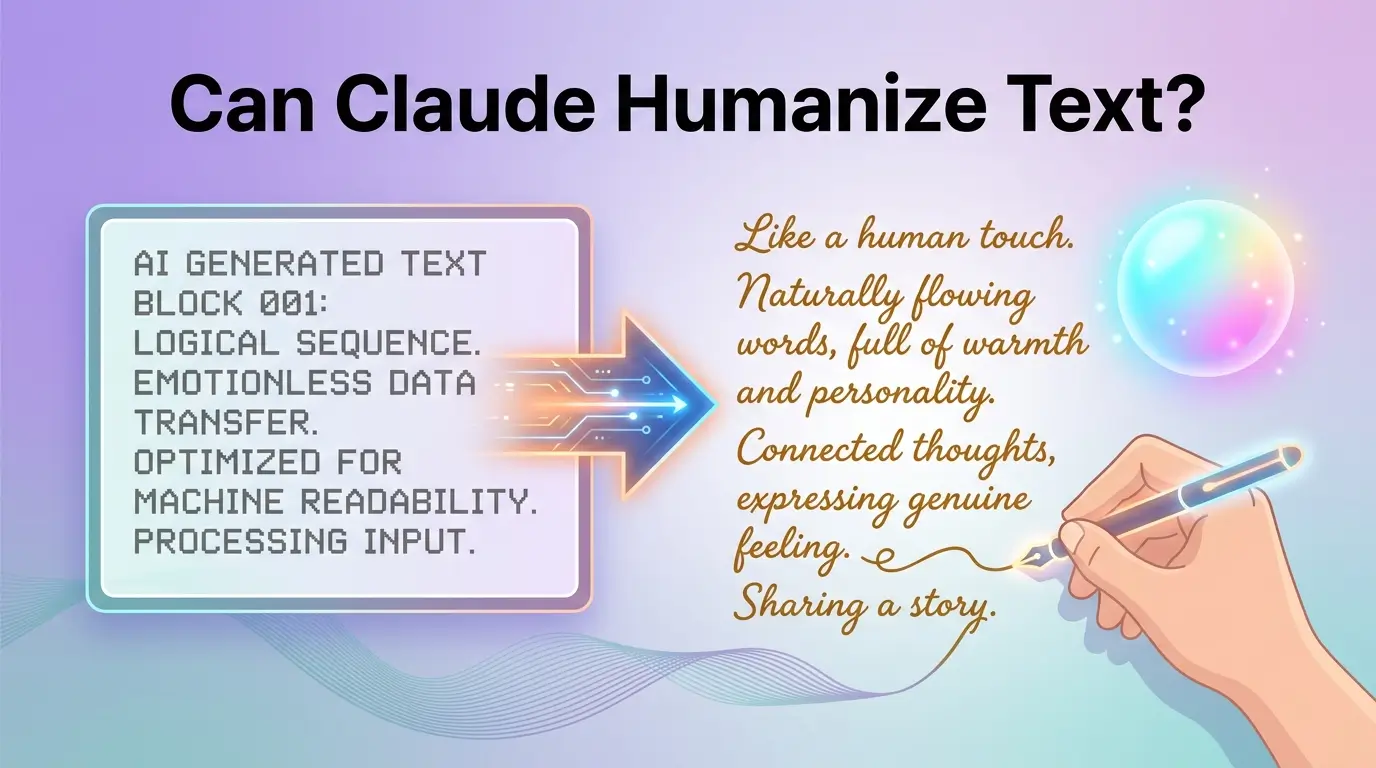
Can Claude humanize text? Yes, but not alone. Get a 6-step workflow, proven prompts, and tips to make AI writing sound 100% human.
AI writing tools like Claude, ChatGPT, and Gemini have made content creation faster than ever, but one question keeps coming up: can AI text actually sound human? This guide answers exactly that. Whether you want to lower your AI detection scores, match your personal voice, or simply make your writing feel more natural, you will find practical tips, real workflows, and honest advice here. From understanding how AI detectors work to choosing the right tools and staying ethical, everything you need is covered in one place.
Key Takeaways
Can Claude really humanize text? Here's the honest answer.
The exact patterns AI detectors catch and how to break them.
Claude vs ChatGPT vs Gemini, which one actually wins?
A 6-step workflow for the most undetectable results possible.
4 ready-to-use prompt templates, just copy and paste.
The 30% Rule and why ignoring it is a mistake.
What Does "Humanizing AI Text" Really Mean?
When people search "can Claude humanize text" or "how to 100% humanize AI text," they usually want three things:
Text that sounds like a real person, not a robot
Text that can pass AI detectors or at least not raise red flags
Text that matches a personal or brand voice, not a generic AI tone
In plain English, to "humanize AI text" means:
Using a natural, conversational voice
Mixing short and long sentences
Avoiding obvious AI phrases like "in today's fast-paced world" or "it's important to note"
Adding specific details, opinions, and small imperfections
Keeping the facts correct and the meaning the same
Claude is very good at this kind of rewriting when you guide it the right way. But like any AI, it still creates text using patterns and AI detectors try to catch those patterns.
Can Claude Humanize Text?
Here is the fast, honest answer:
Yes, Claude can make AI text sound more human. Claude (especially Claude 3 and Claude 3.5 Sonnet) writes with more natural sentence rhythm and fewer robotic phrases than many other models.
Yes, Claude can lower AI detection scores. When you ask it to rewrite text with more variety, personality, and voice, detectors often show a lower AI probability than the original draft.
No, Claude alone cannot guarantee "100% undetectable" text. For long documents, strict tools such as GPTZero, Turnitin, ZeroGPT, or Copyleaks can still flag it as AI-assisted.
Use Claude as:
Your main writer and rewriter
Plus optional AI humanizer tools
Plus your own human editing
Plus checks across several AI detectors
That mix gives you the safest and most natural result.
How AI Detectors Work (In Simple Language)
Tools like GPTZero, Turnitin AI detection, Originality.ai ZeroGPT, Copyleaks, and Winston AI try to answer one question: "Was this written by a human or by an AI like Claude or ChatGPT?"
They do this by scanning the text and looking for these key patterns:
Perplexity: how predictable the next word is. AI tends to pick the most likely word more often than humans do. Very smooth and predictable text appears to be generated by AI.
Burstiness: how much sentence length varies. Humans mix short and long sentences naturally. AI keeps sentence length more even, which is a red flag.
Lexical diversity: how varied the word choice is. AI reuses safe, general words and template phrases more than humans do.
Transition words: AI overuses words like "furthermore," "moreover," and "in conclusion." Too many of these in a row look machine-written.
Syntactic patterns: if many sentences follow the same structure, detectors flag it.
To humanize AI text, you need to shift these patterns closer to human norms without ruining clarity or meaning.
Is Claude Better Than ChatGPT for Humanizing Text?
This is one of the most common questions people ask. Here is a clear breakdown.
Claude (by Anthropic)
Very natural, polite, and nuanced tone
Good sentence length variation by default
Fewer robotic essay transitions when prompted well
Often the best choice as your main writer and humanizer
ChatGPT: GPT-4 / GPT-4o (by OpenAI)
Strong at step-by-step explanations, coding, and structured tasks
Can sound more template-like or essay-like if you do not steer its style
Great for outlines, research, and technical content
Gemini 1.5 Pro (by Google DeepMind)
Very strong at handling long context and multi-modal tasks
Writing style depends heavily on your prompts
Good for research-heavy or data-driven content
Which Is Stronger Than Claude?
For human-sounding narrative and conversational writing, Claude is usually the best base model for this specific job. However, a powerful workflow is to use ChatGPT or Gemini for outlines, code, and technical notes then bring that content into Claude to rewrite and humanize it into smooth, natural language.
Feature | Claude | ChatGPT (GPT-4o) | Gemini 1.5 Pro |
Human-sounding tone | Best | Good | Good |
Sentence variety | Best | Average | Average |
AI detection scores | Lowest | Higher | Higher |
Creative writing | Excellent | Good | Good |
Coding & technical | Average | Best | Good |
Long context handling | Good | Good | Best |
Best for humanizing | Yes | Not ideal | Not ideal |
Free version available | Yes | Yes | Yes |
Use the table above as a quick reference and remember, the best workflow combines all three rather than relying on just one.
How to Make Claude AI Undetectable Step by Step
No tool can promise perfect undetectability. But this workflow gives you the best results.
Step 1: Set Up Claude With Custom Instructions
Before you write anything, tell Claude:
Your preferred tone: "Write in a natural, conversational voice that sounds like a real person."
What to avoid: "Do not use phrases like 'in today's digital age' or 'it's important to note.'"
Structure rules: "Mix short and long sentences. Avoid repeating the same sentence structure."
Step 2: Give Claude Your Voice Samples
Paste 2–3 short samples of your own writing and say: "Study my writing style. Notice my tone, sentence length, and word choice. From now on, write in a style that matches this voice."
This is called voice calibration and it makes every draft feel like it came from a real human, because it's based on your actual writing.
Step 3: Use a Humanizing Prompt on Your Draft
After writing your first draft, run this prompt:
"You are an editor whose job is to humanize AI-generated text. Keep all the facts and main ideas the same. Make the writing sound like a real person talking to another person. Use a friendly, clear tone, mix short and long sentences, and avoid generic AI phrases. Here is the text: [PASTE TEXT]"
Step 4: Optionally Use an External AI Humanizer Tool
Tools like Undetectable AI, HIX Bypass, HumBot, or BypassGPT can further reduce machine-like patterns. Use them after Claude has already done a humanizing pass.
Step 5: Check With Multiple AI Detectors
Do not rely on just one tool. Check with at least two or three: GPTZero, Originality.ai, Copyleaks, and ZeroGPT.
Step 6: Do a Human Editing Pass
Fix any odd wording. Verify all facts. Make sure the tone fits your purpose. This final step is non-negotiable.
How to Add Humanize Skills to Claude
Some versions of Claude, especially Claude Code and developer-focused environments, support skills. A skill is a small plug-in that gives Claude extra capabilities.
What Humanizer Skills Do
Scan AI-generated text for patterns that look machine-written
Rewrite text to add natural variation and remove obvious AI tells
Match a target voice if you provide writing samples
Run multiple passes to catch anything that still looks AI-heavy
How to Use a Humanizer Skill
Install or enable a trusted humanizer skill in your Claude or Claude Code environment
Send your text to the skill using a command or by asking Claude to apply it
Let the skill run a first pass to clean up AI patterns, then a second pass to catch what remains
If the skill supports voice calibration, feed it your own writing samples first
Exact steps depend on your platform, but the general flow is always: install → apply → review → refine.
Prompt Templates That Actually Work
Basic Humanizer Prompt
"Rewrite this text so it sounds natural and human. Vary sentence length and structure. Remove stiff transitions like 'furthermore' and 'moreover.' Add a few specific examples or observations that sound like a real person. Do not change any facts or numbers. Text: [PASTE TEXT]"
Voice Match Prompt
"Rewrite this AI-generated text to match my writing style from the samples I shared. Keep the meaning the same. Focus on my tone, my word choice, and my sentence rhythm. Text: [PASTE TEXT]"
High-Stakes Prompt (Essays / Reports)
"Act as a human editor. Improve this text for clarity and flow, but keep the voice simple and natural. Do not add big new ideas. Make sure it does not sound like a generic AI essay. Text: [PASTE TEXT]"
What Is the 30% Rule for AI?
The 30% rule is a practical guideline used by many content professionals. The idea is simple:
Let AI handle up to 70% of the heavy lifting: drafting, rephrasing, grammar, structure, and repetitive writing tasks.
Keep at least 30% for yourself: original ideas, personal stories, real opinions, final editing, and judgment calls.
This is not a hard law, but it is a useful mental check. It reminds you that AI assists; humans lead. Content that follows this rule tends to feel more authentic, pass stricter reviews, and hold up better over time because it still contains real human thinking.
For high-stakes work like academic papers or business reports, flip the ratio: let AI contribute 30% (support, research, structure) while you write 70%.
Four Workflows for Different Situations
Workflow 1: ChatGPT Draft → Claude Humanizer (Best for blogs and emails)
Write your first draft in ChatGPT
Paste it into Claude with a humanizer prompt
Ask Claude to match your voice and vary sentence length
Run it through an AI humanizer tool like AI Writing Humanizer
Check with multiple detectors and edit by hand
Workflow 2: Claude Only, With Strong Humanization (Best for natural style from the start)
Give Claude custom instructions and voice samples
Ask Claude to write the draft in your voice
Run a second prompt: "Humanize this further, but don't change the meaning"
Check with detectors and lightly edit
Workflow 3: Claude + Humanizer Skill (Best for developers and power users)
Draft in Claude Code or a developer environment
Call a humanizer skill on the text
Calibrate the skill to your voice if supported
Check with detectors and refine flagged sections
Workflow 4: Minimal AI Mode (Best for academic or sensitive work)
Use Claude only for outlines, brainstorming, and concept explanations
Write the final text yourself
Use Claude only as a proofreader or clarity editor
Keep AI involvement under 30%
Ethics, Safety, and Staying Responsible
Humanizing AI text is powerful, but it can be misused.
In academic settings: Many schools use Turnitin AI detection to check assignments. Submitting AI-written work as your own breaks academic integrity rules and can carry serious consequences. Use Claude to understand topics, brainstorm, and get feedback then write in your own words.
In business: Brands that rely entirely on AI-generated content risk sounding generic and losing reader trust. Always add real human insight, genuine experience, and clear accountability.
The bottom line: Use AI as your assistant, not your ghostwriter. The most sustainable approach is one where AI saves you time, and you bring the ideas, voice, and judgment.
FAQs
How to 100% humanize AI text?
There is no single tool that guarantees 100% humanization every time — but the closest you can get is this: use Claude with strong humanizing prompts, optionally run the text through an AI humanizer tool, check with multiple AI detectors, and do a careful human editing pass at the end. The combination of all four steps gives you the best possible result.
How to make Claude AI undetectable?
Prompt Claude to use varied sentence lengths and a natural, conversational tone. Remove all generic AI phrases before and after writing. Combine Claude with an AI text humanizer tool, test with multiple detectors like an AI detector, GPTZero, and Originality.ai and always do a final human edit. Even with all of this, no method is permanently undetectable as detectors continue to improve.
How to add humanizing skills to Claude?
In developer environments like Claude Code, you can install or enable a humanizer skill as a plug-in. Once enabled, you send your text to the skill, which scans for AI patterns and rewrites problematic sections. Some skills also support voice calibration, where you provide writing samples so the skill learns your personal style.
Is Claude better than ChatGPT?
For conversational, human-sounding writing and text humanization specifically, Claude is generally the better choice. It produces more natural sentence rhythm and fewer generic transitions out of the box. ChatGPT is stronger for structured tasks, coding, and step-by-step explanations. Most power users combine both: ChatGPT for drafts and technical content, Claude for humanizing and polishing.
Which AI is stronger than Claude?
No single AI is universally stronger, it depends on the task. GPT-4o and Gemini 1.5 Pro outperform Claude in certain areas like long-context handling, coding, and multimodal tasks. But for natural, human-sounding prose and text humanization, Claude remains one of the top choices. The smartest approach is to use each model for what it does best.
What is the 30% rule for AI?
The 30% rule suggests letting AI handle up to 70% of drafting and repetitive writing, while keeping at least 30% for your own original ideas, personal stories, and final editing. It is not a strict law, but a useful reminder that AI should support your work, not replace your thinking. For academic or high-stakes writing, the ratio should be reversed.
Conclusion
AI text humanization is powerful but using it wisely matters just as much as using it well.
Claude can transform raw AI writing into something more natural, engaging, and human-sounding. With the right prompts, voice samples, and instructions, it removes robotic phrases, varies sentence structure, and matches your personal tone. But no tool Claude or any humanizer can guarantee 100% undetectable text every time. Detectors keep improving, so the safest approach is always a combination: Claude, optional humanizer tools, multiple detector checks, and a final human edit.
One more thing, ethics matter. Using AI to assist your writing is perfectly fine. Passing it off as entirely your own, especially in academic or professional settings, is not. Make AI your assistant, not your ghostwriter.
The real goal was never just to fool detectors. It is to create content that is clear, useful, and authentic. Use Claude with that mindset, and you become a better communicator not just a smarter AI user.